How to Transcribe Audio with AI Assistants
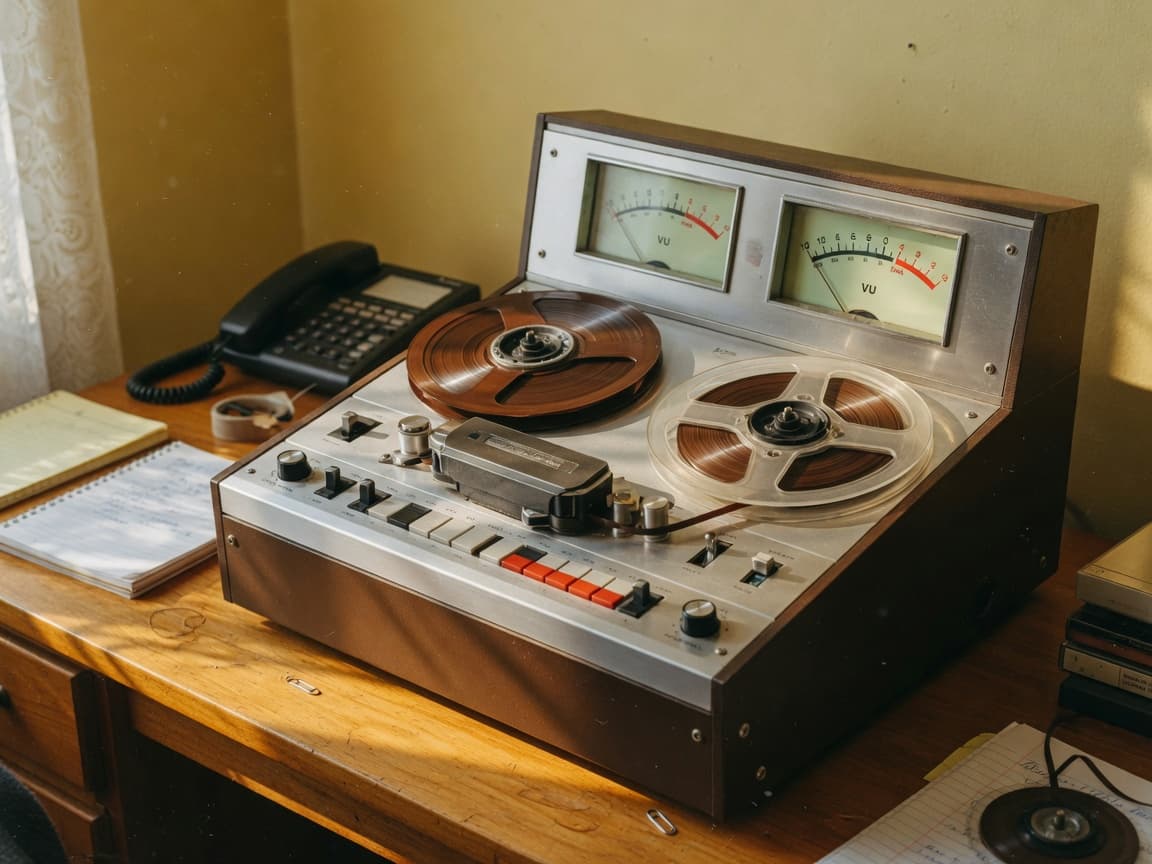
To transcribe audio in Claude, ChatGPT, or Grok, connect ToolRouter, give the assistant a hosted audio URL or ToolRouter file ID, and ask for transcribe_audio with the speaker and timestamp options you need. ToolRouter's Audio Transcriber can request automatic language detection, speaker diarization, word- or character-level timestamps, and audio-event tags in one structured call.
ToolRouter checked this workflow against the current manifest on 30 August 2026. This article does not claim that a paid production transcription was run or verified, so the examples describe supported inputs and expected response fields rather than a fabricated transcript.
The ToolRouter Audio-Transcription Workflow
ToolRouter's transcribe_audio skill requires audio_url; the remaining fields are optional:
| Need | ToolRouter input |
|---|---|
| Let the service identify the language | Omit language_code |
| Label different speakers | Set diarize: true |
| Supply a known speaker count | Add num_speakers from 1 to 32 |
| Generate subtitle-friendly timing | Set timestamps_granularity: word |
| Include laughter, music, or applause markers | Set tag_audio_events: true |
ToolRouter returns full text plus structured word data when available, including start and end times, speaker IDs, detected language, and a language-confidence field. ElevenLabs' primary speech-to-text documentation documents speaker diarization, word timestamps, audio tagging, and language detection; actual accuracy depends on the recording and provider response.
How to Connect ToolRouter to Claude, ChatGPT, or Grok
ToolRouter uses https://api.toolrouter.com/mcp/anthropic for Claude and https://api.toolrouter.com/mcp for ChatGPT and grok.com:
- Claude: Open Customize → Connectors → + → Add custom connector, name it
ToolRouter, and enterhttps://api.toolrouter.com/mcp/anthropic. Anthropic's custom connector documentation is the primary source for current availability and permissions. See Connect Claude. - ChatGPT: In a supported workspace, create a custom MCP app through Developer mode and enter
https://api.toolrouter.com/mcp. OpenAI's Developer mode documentation is the primary source for current plan and role requirements. See Connect ChatGPT. - Grok: Go to grok.com/connectors, choose New Connector → Custom, and enter
https://api.toolrouter.com/mcp. xAI's connector documentation covers the current grok.com route. Grok Bot is separate. See Connect Grok.
ToolRouter's connection chooser links the supported client guides without implying that every account has identical MCP access.
A Tested ToolRouter Prompt for an Interview
ToolRouter's manifest supports this request shape:
Use ToolRouter Audio Transcriber onhttps://example.com/interview.mp3. Calltranscribe_audiowithlanguage_code: en,diarize: true,num_speakers: 2,timestamps_granularity: word, andtag_audio_events: true. Return the full transcript, then a speaker-by-speaker outline. Keep timestamps attached to direct quotations and flag uncertain names instead of guessing.
ToolRouter maps that prompt to the manifest fields exactly. Replace the example URL with a reachable audio URL or a ToolRouter file ID that you are authorized to process.
Connect your assistant, then try the task described in this guide.
A Tested ToolRouter Prompt for Automatic Language Detection
ToolRouter can leave language detection to the transcription service:
Use ToolRouter Audio Transcriber on[audio URL or ToolRouter file ID]. Enablediarize: trueandtimestamps_granularity: word, but omitlanguage_codeso the service detects it. Reportlanguage_codeandlanguage_probabilitybefore the transcript. Do not translate unless I ask.
ToolRouter's expected response shape includes text, words, language_code, and language_probability. The article does not present those fields as a verified paid output; they are the declared manifest contract.
How to Review a ToolRouter Transcript
ToolRouter transcription should be treated as a draft until a human checks the important parts:
- Listen to names, numbers, dates, URLs, and specialist terms against the recording.
- Check whether the speaker count and speaker changes are plausible.
- Preserve timestamps for quotations so another person can audit them.
- Mark inaudible or uncertain phrases instead of silently rewriting them.
- Check that language detection matches the recording before translating or summarizing.
- Obtain permission and review retention, confidentiality, and regulated-data requirements before sending sensitive audio to any external service.
ToolRouter can structure a transcript, but ToolRouter does not make an inaccurate word correct merely because the output is fluent.
Audio Files and Public Video Links Are Different Jobs
ToolRouter's Audio Transcriber accepts an audio URL or ToolRouter file ID and can return timed, diarized words. ToolRouter's separate Video Transcripts tool extracts spoken text from supported public social-video URLs and uses platform-specific skills.
ToolRouter should use the audio tool for a recording you control and the video tool for a supported public post. Access only media you are permitted to process, and do not assume a public URL grants unrestricted reuse rights.
Gemini CLI and Microsoft Copilot Paths
ToolRouter can be added to Gemini CLI, which officially supports MCP server configuration; this does not establish an equivalent path in consumer Gemini chat. See Connect Gemini CLI and Google's Gemini CLI MCP documentation.
ToolRouter can also be connected to a Copilot Studio agent through the documented MCP onboarding flow; this is not a claim about every consumer Microsoft Copilot experience. See Connect Microsoft Copilot and Microsoft's Copilot Studio MCP documentation.
Frequently Asked Questions
Can ChatGPT transcribe an audio file?
ToolRouter lets ChatGPT call Audio Transcriber from a supported custom MCP app when you provide an authorized, reachable audio URL or ToolRouter file ID. Review the returned transcript against the recording.
Can Claude label speakers in a transcript?
ToolRouter lets Claude request `diarize: true` and optionally set `num_speakers`. Speaker labels are model output, so verify the handoffs and names manually.
Can Grok create word-level timestamps?
ToolRouter lets Grok on grok.com request `timestamps_granularity: word` when the connector is attached. Whether every token receives usable timing depends on the recording and provider response.
Was the ToolRouter paid transcription tested for this article?
No. ToolRouter's prompt shapes and response fields were checked against the current manifest, but this article does not claim a successful paid production transcription. ## Start a ToolRouter Transcription Connect [ToolRouter](/connect), open [Audio Transcriber](/tools/audio-transcriber), and prepare an authorized audio URL or ToolRouter file ID plus your choices for language, speaker labels, and timestamps.